A line that ran cleanly last week starts to surge and deliver less. The usual pneumatic conveying line blockage causes are too little air, restrictions, feeder faults and damp material, and the fix is to work through them in that order.
Quick answer: start with the simplest check, the air supply and filter, then the feeder and airlock, then the pipe route, then the material’s moisture. Only open the line after it has been isolated, locked out and drained of pressure.
This guide sits within our wider powder and bulk solids handling coverage. It is organised by what operators see on gauges and in the pipe, so you can move from symptom to likely cause and then to the least disruptive action.
Start with airflow and the filter
The cheapest intervention is confirming the line is getting the air it was designed for. A practitioner summary from Camcorp puts it bluntly: most conveying issues arise because the system cannot breathe. The same guide gives a standard filter differential pressure range of 2 to 4 in. WC, with readings above 4 in. WC pointing to blinded media. As filters bind, convey air falls and the chance of a plug rises.
The underlying mechanism is velocity. The minimum conveying velocity is the lowest gas velocity that gives stable conveying, and it also sets the pick-up velocity at the feed point. Below it, material stops travelling reliably. Gardner Denver’s guidance notes that too little air can contribute to plugging, while excessive airflow can increase conveying velocity. Both ends of the range cause trouble.
- Read the filter differential and compare it with the 2 to 4 in. WC operating range.
- Clean or replace a binding filter before touching any other setting.
- Watch blower energy use. Blocked filters reduce airflow and force blowers to work harder, so unusual increases in energy consumption usually indicate air leaks, worn components or clogged filters.
- Resist simply turning the air up. According to a Foundry Management & Technology maintenance article, extra airflow does not guarantee higher throughput and can cause shock waves, pipe wear and material degradation.
Read the pressure pattern and early warnings
Pressure and throughput trends tell you a blockage is developing before the pipe is solid. Gardner Denver lists the pairings: frequent plugging may indicate insufficient airflow, excessive feed rates or piping restrictions, while declining throughput can be associated with changes in material characteristics, air leakage or receiver performance.

Why line pressure fluctuates
Pressure swings usually come from something intermittently restricting flow. The same guidance names filter restrictions, backpressure and hopper discharge problems as contributors to conveying problems. Over-aggressive air can also produce shock waves, as the Foundry Management & Technology article notes. If the pressure surges in a rhythm that matches the feeder, move on to the airlock. If it creeps upward with the filter reading, go back to the filter.

Warning signs worth acting on
- Repeated small plugs. Treat these as a system problem. Camcorp observes that once a system is running in its optimal state, plugs rarely occur, so look for what changed.
- Falling throughput at the same settings. Check for leakage and for a change in the material.
- Rising energy use. Look at leaks, worn parts and filters.
Check the feeder and rotary airlock
If the filter reads normally, the next rung is the point where material enters the air stream. A worn rotary airlock leaks air backwards, which starves the line of the air it needs. Orchid Material Handling notes that excessive wear on the blades allows air leakage and reduces conveying efficiency. Camcorp cites typical rotor-tip-to-housing clearances of 0.004 to 0.007, so a worn rotor with a visibly larger gap is a prime suspect for surging.
Feed rate matters as much as airlock condition. Excessive feed rates are one of the causes Gardner Denver links to frequent plugging, and hopper discharge problems can starve or flood the airlock unevenly. If the line plugs soon after a throughput increase, reduce the feed rate to the design value before looking elsewhere.
Inspect bends, rises and idle sections
Pipe geometry creates restrictions that no air setting fully cures. Gardner Denver lists plugging, leaks, excessive bends, vertical rises and routing challenges as sources of restriction. Orchid adds that bends and elbows experience the highest wear and should be inspected periodically for thinning or erosion. Heavy wear at elbows can also be a sign that velocity is running high at the directional changes, so excess air and a worn bend often go together.
Idle legs deserve a separate look. Camcorp warns that product that has settled out in the convey line can be problematic, because at low velocity it may not be picked up again and becomes the seed of a later plug. After a stop or an upset, check dead-end branches and low-velocity runs before restarting at full rate.
Moisture and caking
Damp air or product turns a marginal line into a blocked one. The Foundry Management & Technology article states that the higher the moisture, the lower the flowability and conveying capacity. Sticky powder clings in elbows and reduces effective pipe area.
Humidity also acts through the filter. Camcorp notes that if filter media gets wet it will blind, and a blinded filter cuts convey air and raises plug potential. For hygroscopic or sticky materials, Orchid advises more frequent cleaning schedules to prevent caking. If blockages cluster in humid weather, check filter differential first and then the line interior at the bends.
Clear a plugged line safely
Clear a plug only after isolating the system. The Foundry Management & Technology article says to turn off, lock out and drain all air pressure from the transporter before inspecting. Follow your site lockout procedure and the equipment manual for the details, because a line that looks idle can still hold stored pressure.
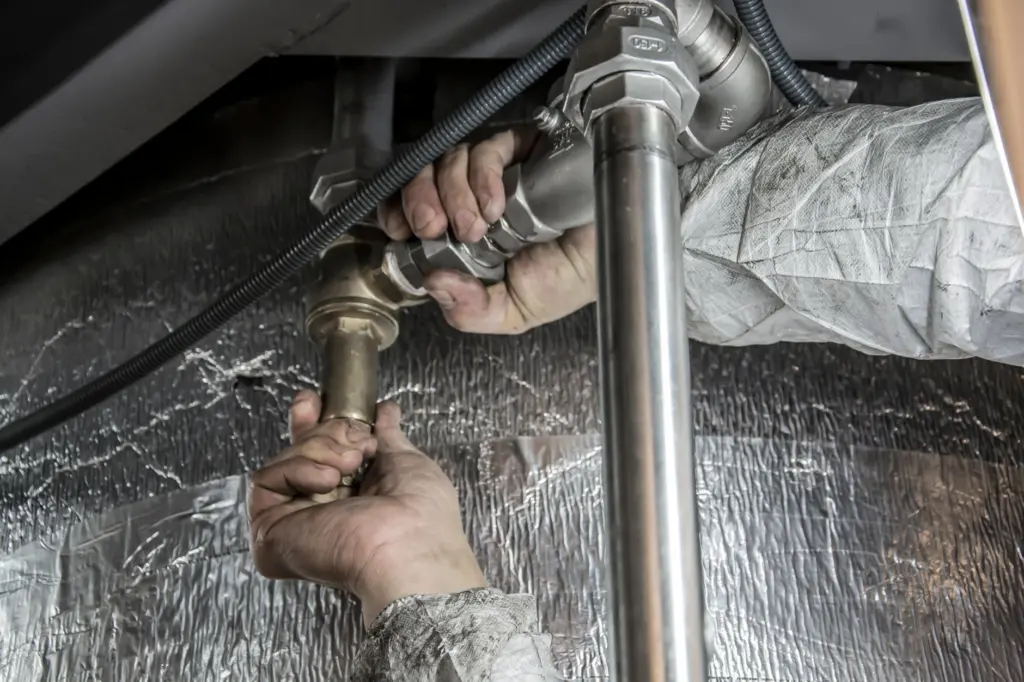
The escalation ladder
- Stop the feed and check the gauges. Note filter differential and the pressure pattern so you know which rung to climb.
- Restore airflow. Service a binding filter and look for leaks before suspecting the material.
- Inspect the airlock. Check blade wear and clearance, and confirm the hopper discharges evenly.
- Isolate, lock out and drain pressure. Only then open the line at the suspected restriction, usually a bend, rise or low-velocity section.
- Remove the plug and the settled product around it. Leftover material in idle legs can seed the next blockage.
Stop and escalate to engineering if the line plugs again at the same point after a clear and a filter service. A repeat plug at one location points to a design or wear problem, not an operating slip. Treat it as a system change to be found, as Camcorp’s observation suggests.
Prevent repeat blockages
Prevention combines layout, air management and maintenance. The Foundry Management & Technology article recommends laying out pipe runs with the fewest bends possible and avoiding bends and risers near the end of the line. Choosing the right conveying mode also matters, and our comparison of dilute phase vs dense phase pneumatic conveying sets out how each handles material. If you are weighing a mechanical alternative for a short run, how does a screw conveyor work covers the basics.
Orchid links poor maintenance directly to blockages and excessive energy consumption. A simple routine covers filter differential, airlock wear, bend thickness and tighter cleaning cycles for sticky material.
Symptom checkpoint table
| What you see | Likely cause | Planning use |
|---|---|---|
| Frequent plugging | Insufficient airflow, excessive feed rates or piping restrictions | Check air and feed rate before changing the route. |
| Declining throughput | Material changes, air leakage or receiver performance | Inspect airlock wear and material condition. |
| Filter differential above 4 in. WC | Blinded filter media (normal range 2 to 4 in. WC) | Service the filter and find the wetting or loading source. |
| Heavy wear at elbows | Higher conveying velocities at directional changes | Inspect bends and review the air setting. |
| Plug after a stop or upset | Product settled out in the convey line | Inspect idle legs and low-velocity sections before restart. |
These pairings draw on Gardner Denver’s guidance on unstable conveying systems and Camcorp’s troubleshooting guide.
Frequently asked questions
What is saltation velocity and why does it matter?
Saltation velocity is the gas velocity in a horizontal pipeline at which particles begin to fall out of suspension, according to Tank Connection’s glossary. Running below it in horizontal runs invites settling and plugging.
Why do plugs often appear after a change to the system?
A well-tuned system rarely plugs, so a new plug usually follows a change such as a different filter condition, a worn airlock or a new material, as Camcorp’s troubleshooting guide observes.
How do dense-phase and dilute-phase velocities differ?
The Foundry Management & Technology article gives dense-phase conveying as 10 to 90 psig with pipeline velocities of 450 to 2,500 FPM. Dilute-phase pipeline velocities are 4,000 FPM or higher.
How lightly loaded is a dilute-phase line?
The same article gives a typical dilute-phase loading ratio of only 0.06 to 0.3 pounds of material per cubic foot of air. An over-feeding hopper or airlock pushes the line away from that light loading.