
The daysaver.net gaming coverage is a mix of PC gaming guides, console save-management tips, Minecraft server notes and hardware setup advice, all labelled 2026. The site presents itself as a gaming and tech help blog. This roundup lists what the front page was featuring when it was read.
| Main gaming sections | PC Gaming and Console Gaming, plus a Tech Help section |
| Recent PC topics | Classic PC games, dual-monitor desks, setup storage |
| Recent console topics | Backing up and restoring saves, worthwhile accessories |
| Minecraft coverage | Server joining guides and a short series of in-game builds |
| Named writers | Eldamorin Hemris, Palnor Emral, Joseph Goldman, Robin Childers |
| Contact | An email address and a web form |
What did the daysaver site feature for PC gamers?
The front page leans on practical, desk-level articles. One is titled “Daysaver.net Gaming: How To Find, Play, And Preserve Classic PC Games In 2026”, which promises a walk-through for keeping older titles running. Another covers how to set up a dual-monitor gaming station without losing desk space, and a third deals with storage for a gaming setup so that gear stays ready, safe and out of the way.
A further title, “Daysaver.net For PC Gaming: How To Use, Troubleshoot, And Optimize (2026 Guide)”, sits in the same feed. Titles alone do not show how deep each piece goes, and the full articles were not read for this roundup.
What is on offer for console players on daysaver.net?
Readers who search for www daysaver .net gaming, or for daysaver.net console gaming, are usually looking for the console section. Its flagship item is a guide on backing up, restoring and managing game saves, one of the more useful topics for anyone who plays on shared or ageing hardware. A companion piece, “Console Accessories that are Worth Getting”, goes the shopping route.
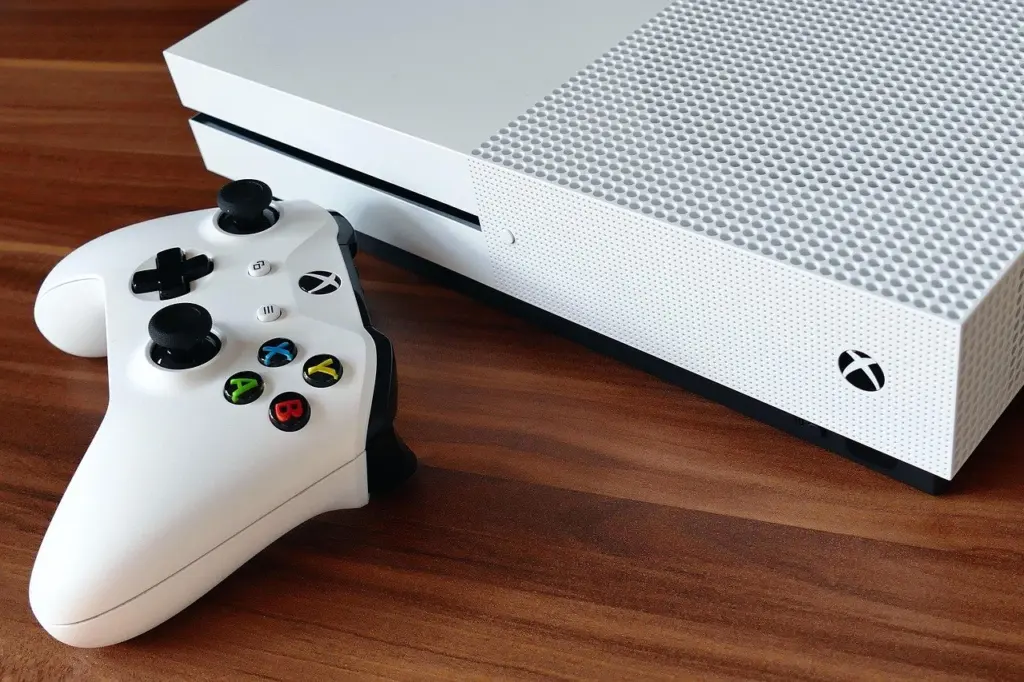
The site’s own tagline invites readers to take up console gaming, and the menu gives console play its own tab beside PC gaming. The pages read did not specify which consoles are covered, so a player should check an article’s text before assuming it applies to their system.
How much Minecraft does daysaver cover?
A fair amount, judging by the home page. Titles include a guide to joining a Minecraft server named after the site, what to expect there and tips for newcomers, plus a “how it works and how to install” explainer. The Contact page lists a short builder series by Robin Childers, with posts on an automatic smelter, a dungeon-building guide and a beginner’s smelting guide, and each shows a view count in the thousands.
That view count is the site’s own number and cannot be checked from outside. Whether a particular server exists, is open to the public or is run by the site’s team is not stated in the text read. A cautious player would ask through the contact form before sharing account details.
What does the daysaver crew say about its approach?
The “Daysaver Crew” page opens with a welcome to a destination for gaming and tech. It lists what the site covers: next-generation PC gaming and hardware performance, console guides and tips, troubleshooting and DIY fixes, reviews of gear, games and tech services, and trends in mobile and social gaming. The page says the team tests, verifies and shares what works, and describes itself as straightforward, broad yet focused and community minded.

The claim of hands-on testing is the site’s own. The pages read show no test methods, photographs of equipment, scores or dated test logs, so readers cannot tell which guides come from direct use and which are summaries.
What does the daysaver front page mix in alongside gaming?
The grid is wider than the menu suggests. Besides the gaming items there are pieces on travel, apps, blockchain and other tech subjects, and some are on topics unrelated to games. Several titles use variant spellings of the brand name, such as “DaySaverNet” or “Daysaver .Net”, which is a sign of search-driven titling rather than a single editorial voice.
For a reader who just wants gaming help, the PC Gaming, Console Gaming and Tech Help tabs give a cleaner view than the home page.
How should a reader use this daysaver coverage?
Treat the front page as a reading list, not a verdict. The save-management guide and the desk-setup pieces address concrete problems, and a reader can test their advice against the console’s or the operating system’s own help pages. The Minecraft items deserve more care, because server addresses, versions and rules change quickly and the site shows no update dates beside them.
A sensible routine is short. Pick one article, note any version number or setting it mentions, and compare that against the publisher’s official page for the game or console. If the two disagree, trust the official source. If something on the site asks for a password, a payment card or a download from an unfamiliar address, close the tab; the pages read ask for none of those, and a gaming blog has no reason to.
The roundup also shows what the site leaves out. There are no hardware benchmark tables, no price tracker and no list of supported platforms on the pages read, so comparisons between consoles or graphics cards should come from sources that publish their numbers.
Questions about daysaver.net gaming news
Who writes the gaming articles?
Bylines include Eldamorin Hemris, Palnor Emral, Joseph Goldman and Robin Childers. The site gives no biographies, credentials or contact details for individual writers.
How can you contact the site?
The Contact Us page offers an email address, masked from plain-text readers, and a form with name, email, message and website fields. It says every email is read, with a usual reply in a business day, and asks senders to mention daysaver.net. A postal address in California is printed in the footer.
Does the site cover mobile or esports gaming?
The Crew page lists trends in mobile and social gaming among its topics, and one front-page title mentions an esports-style crew. The pages read do not show a dedicated mobile or esports section, so coverage there looks thin compared with PC and console.
Are the articles dated?
Many titles carry “2026” in the headline, but the home page text read did not show publication dates beside them. Treat advice on software versions or server addresses as needing a fresh check.
Is it a place to download games?
Nothing read describes a download store or a game library. Articles about classic PC games discuss finding and preserving them, so a reader should rely on official stores and licensed sources for any download.